The situation
A building company works on several sites at once. The office needs to know who worked where, for how long and with which materials, and turn that into an invoice per site.
The company also has to keep a record of working time that can be shown to an inspector. And its own invoice layout, with a heading per site and the lines underneath, is the document the client actually reads.
On site: one screen, one button
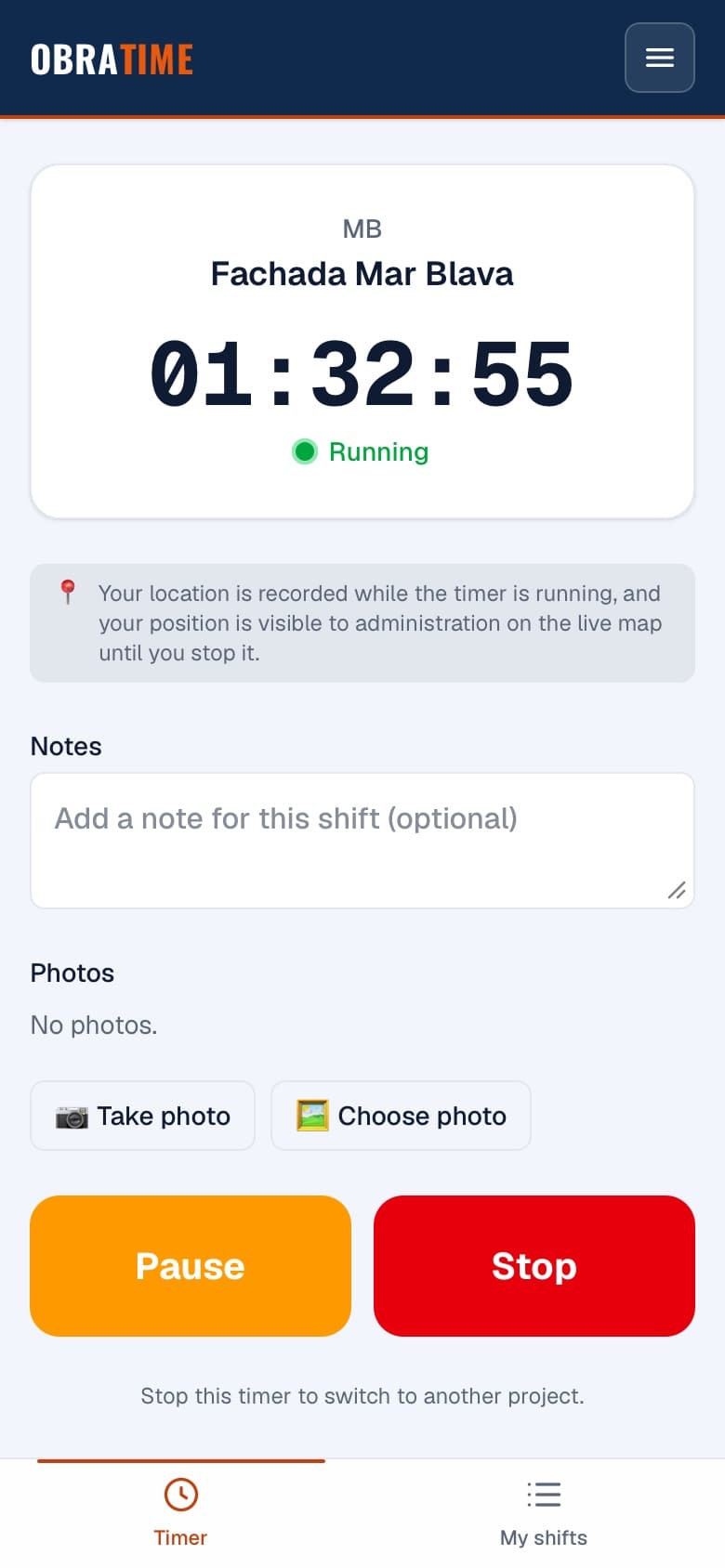
A timer, nothing else. The crew open the app on a phone, pick the site and start. A large button, readable in bright sun, usable with gloves. They stop when they finish.
No money on the worker's screen. Workers see their own hours and projects. They never see rates or amounts.
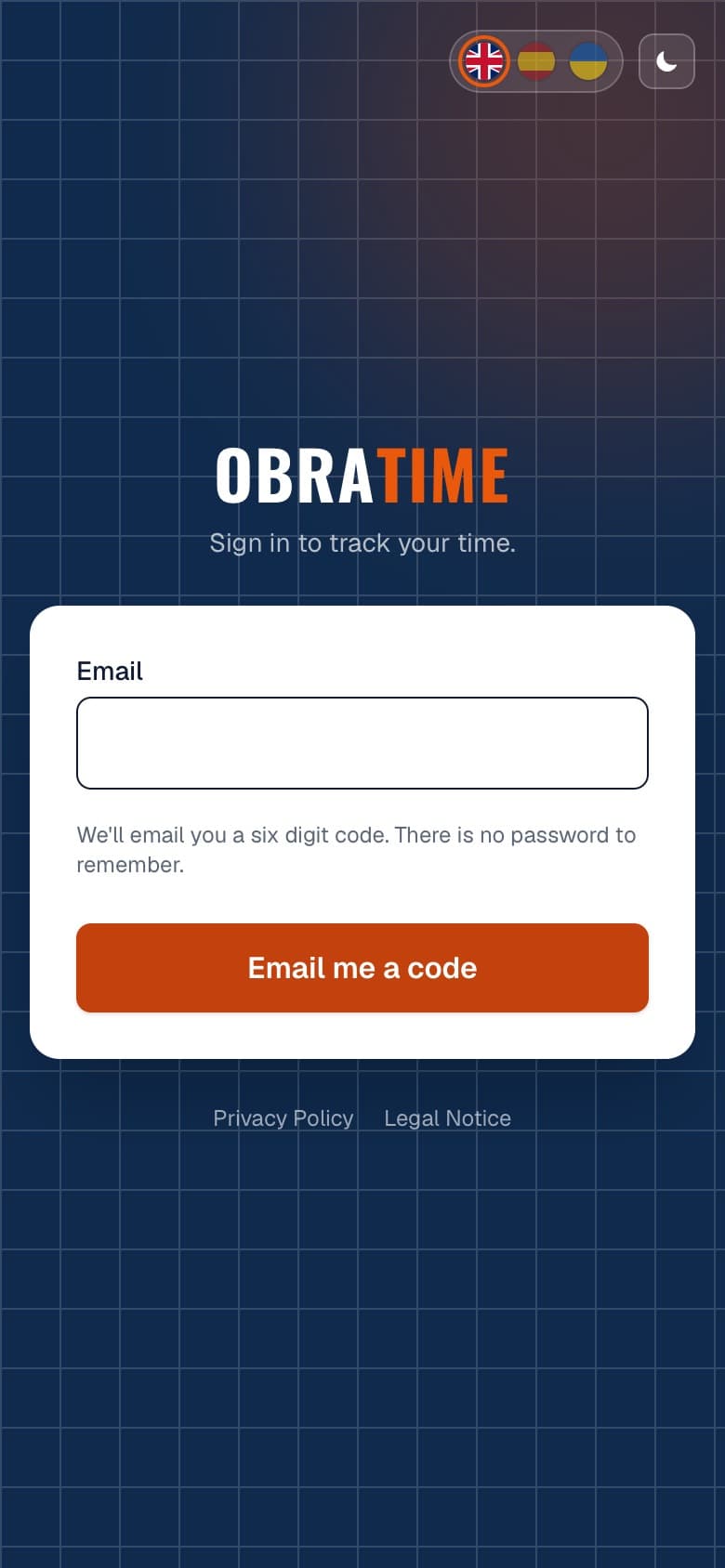
Their own language. The app is in Spanish, English and Ukrainian, and switches with one tap.
Photos and position. A worker can add photos to a shift, and the start and stop are linked to the site. What is recorded and who sees it is set out in the privacy notice, in all three languages.
Signing in without a password. You enter your email address and get a six-digit code. Nothing to remember, nothing to reset.
At the office
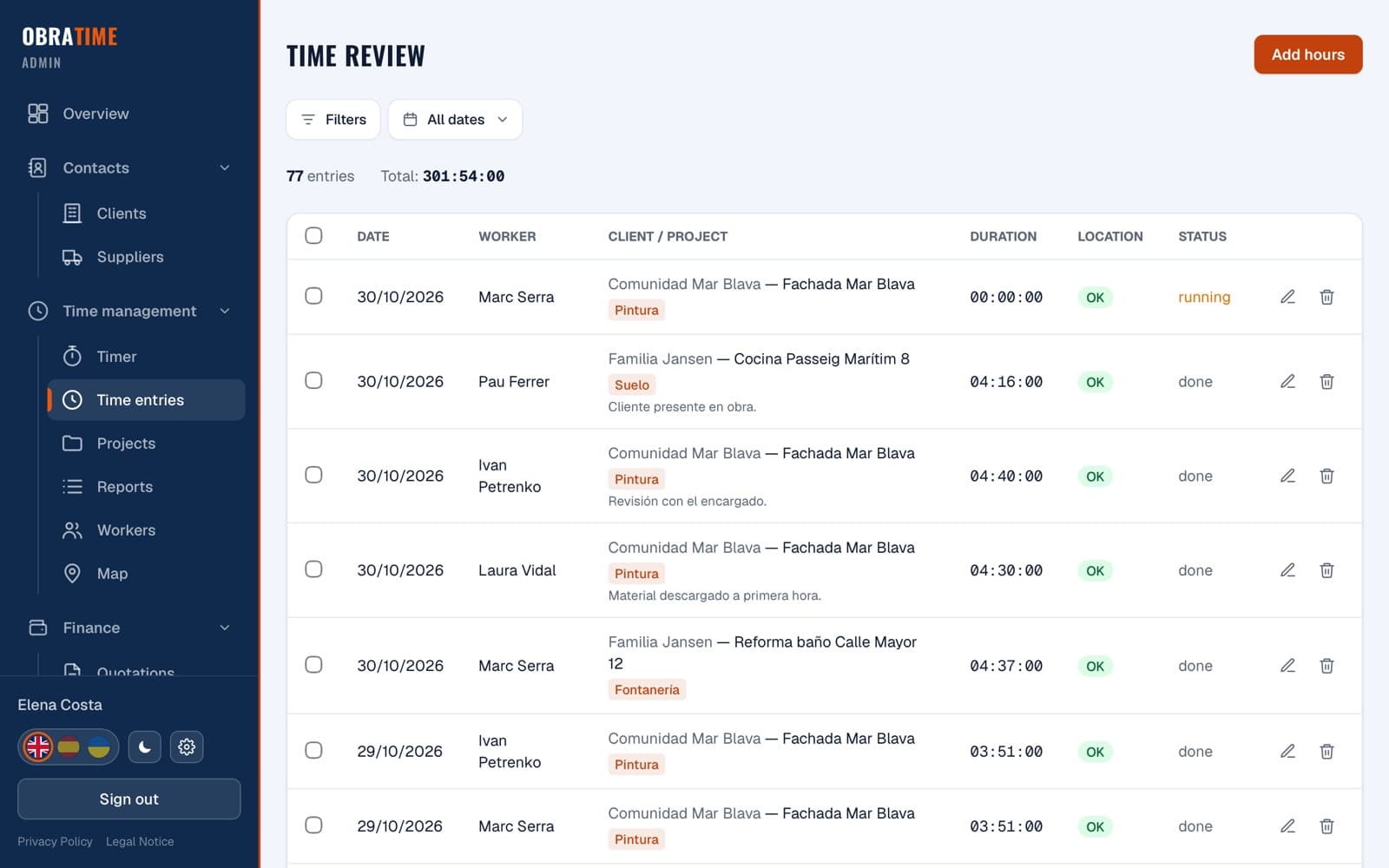
Time review. All hours in one place, filterable by site, day, worker and type of work. Hours entered by hand are marked and need someone to confirm the location.
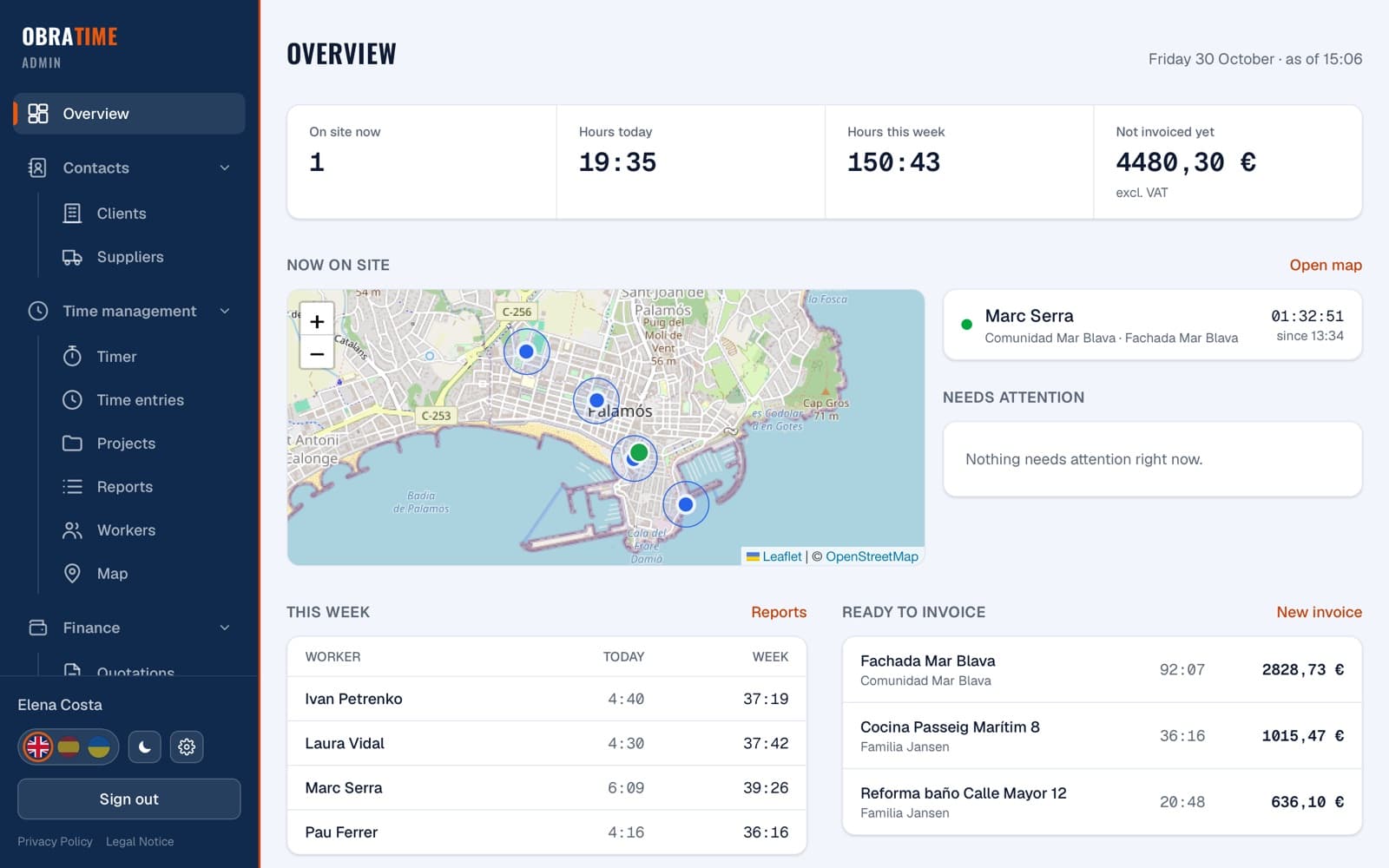
Live map. Who is working where right now, and a dashboard with what needs attention and what is ready to invoice.
Materials. Supplier documents are pulled in from the accounting software and linked to a site, so materials end up on the invoice next to the hours.
Invoices in the company's own layout. Hours and materials per site, with VAT per line, split into stages or percentages where a job is billed in parts. Hours are counted to the minute and shown as hours and minutes. The invoice goes to the accounting software as a draft. The legal invoice stays there; the client only ever receives that one.
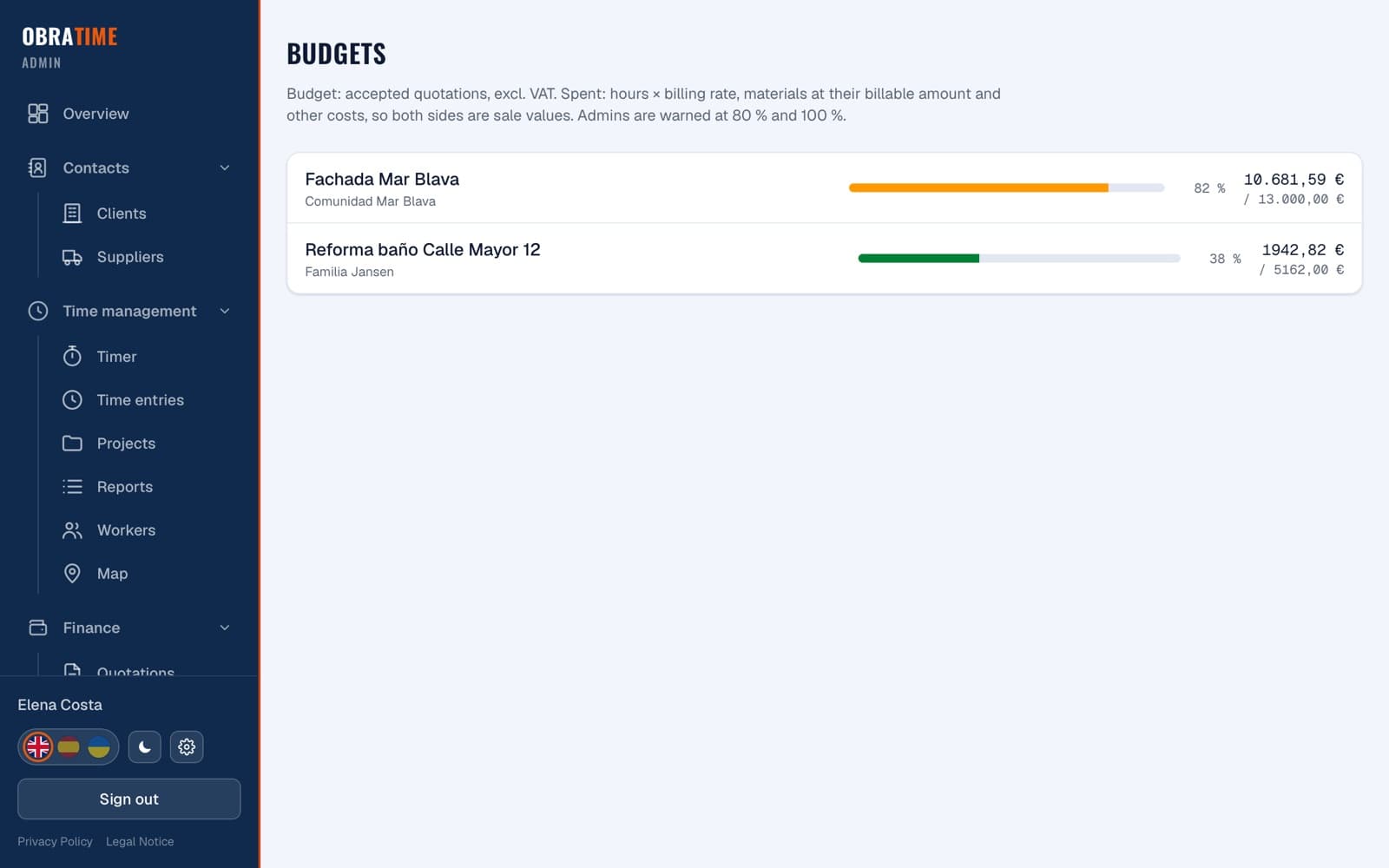
Quotes. Quotes are made in the same app, sent to the client as a link and accepted online, with a record of who accepted what and when. An accepted quote becomes a site with a budget, and the app warns the office when the hours and materials reach 80 and 100 per cent of it.
Working-time records. Monthly reports per worker, ready to sign, for the legal record of working time.
For their clients
Clients can have their own login. They see their sites, the hours worked, their quotes and the invoices issued to them, and can leave a comment that the office receives as a notification. They can also choose which notifications they want, by push, by email or both.
What changed for them
The hours, materials, quote and invoice of a site now sit together in one place. Clients can look things up instead of calling. And the crew's side stayed simple: start, stop.
What we keep doing
ObraTime has been in daily use since June 2026 and keeps growing with what the company asks for: better filters, new report types, extra invoice options. Everything is hosted in Europe, sign-ins are protected against repeated attempts, and updates, backups and monitoring stay with us.